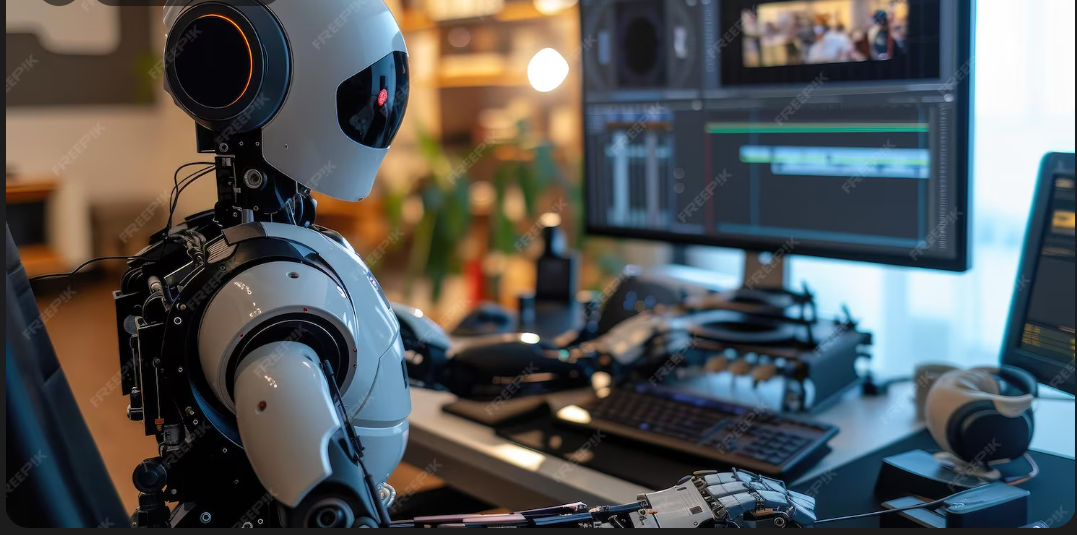
Course Overview
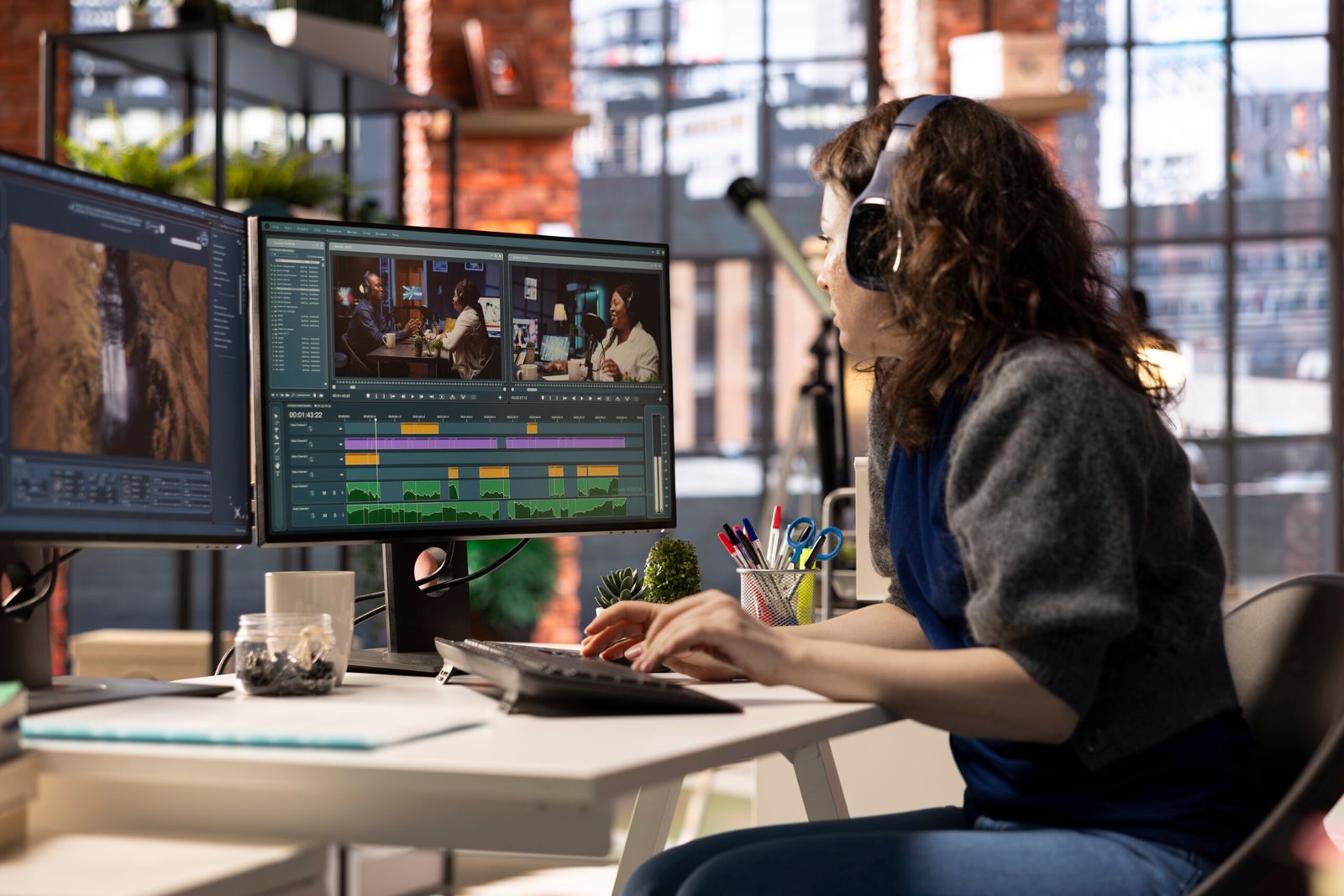
Our Video Editing Course in Chandigarh focuses on professional editing skills, industry-standard software , and hands-on practical training. Learn video cutting, transitions, audio syncing, color correction, effects, and platform-ready exports through real projects, helping you build a strong portfolio and prepare for jobs or freelancing in digital media.
Duration: 6 Months | Semesters: 3
Semester 1 – Graphics & Design Foundations
Module 1 - Adobe Illustrator
- Intro to the Graphics
- Vector and Restor images
- Vector logo and avdertisement
- Vector shapes and art
- Vector art and typology
Software & Tools: ADOBE Illustrator
Module 2 - Adobe Photoshop
- Intro to Photo editing
- Vector and restor images
- Background remove
- Pimple remove
- Recover old damage pictures
- Color theoury
- Making Posters
- Making Pamplet, Banners,
- Menuplution
- Digital Painting
- MattPainting
Software & Tools:ADOBE PHOTOSHOP


Semester 2 – Video Editing & Cinematic Techniques
Module 1 - Adobe Premiere Pro
- Intro to the Video editing
- Set keyframes and motion
- Directonal way to creating a sequance
- Color Grading in Premere Pro
- Transitions and effects
- Syncing with audio effects.
- Cinematic Video
Software & Tools: Adobe Premiere Pro
Semester 3 – Motion Graphics & Color Grading
Module 1 - Adobe After Effects
- Intro to the motion graphics
- Set keyframes and Motion
- TextAnimation
- Motion graphics
- FX and effects
- Masking and effects
- 2D and camera tracking
- chroma remove and key
- CG compositing
Software & Tools: Adobe After Effect
Module 2 - DaVinci Resolve
- Intro to DaVinci
- Video editing in DaVinci
- Sequance creation and layering
- Color grading in Davinci
- FX and effects in DaVinci Resolve
- Transition and effects
Software & Tools:DaVinci Resolve


Key Highlights
- Beginner to Advanced Training
- Industry-Standard Software
- 100% Practical Learning
- Social Media & Digital Content Focus
- Job Placement Assistance
- Flexible Classes
Certification & Career Path
- Video Editor
- Assistant Video Editor
- Social Media Content Editor
- Post-Production Associate
- Freelance Editor & Content Creator
- Multimedia Specialist
- Motion Graphics/Audio Mixer
Pick A Course To Get Started

Visual Effects (VFX) Course
Gain job-ready VFX skills with practical training in visual effects, compositing, motion graphics, live projects, and industry-standard tools guided by experts.

Video Editing Course
Learn professional video editing with hands-on training using industry tools, real projects, creative techniques, and expert mentorship for film, YouTube, and media careers.

Advanced Animation Course
Master advanced animation techniques with practical training, industry software, live projects, and expert guidance to build a strong career in animation and media.

Graphic Designing Course
Learn Graphic Designing, Advanced Animation, Video Editing, Graphic Design & VFX courses with practical training, industry tools, live projects, expert mentors & career support.
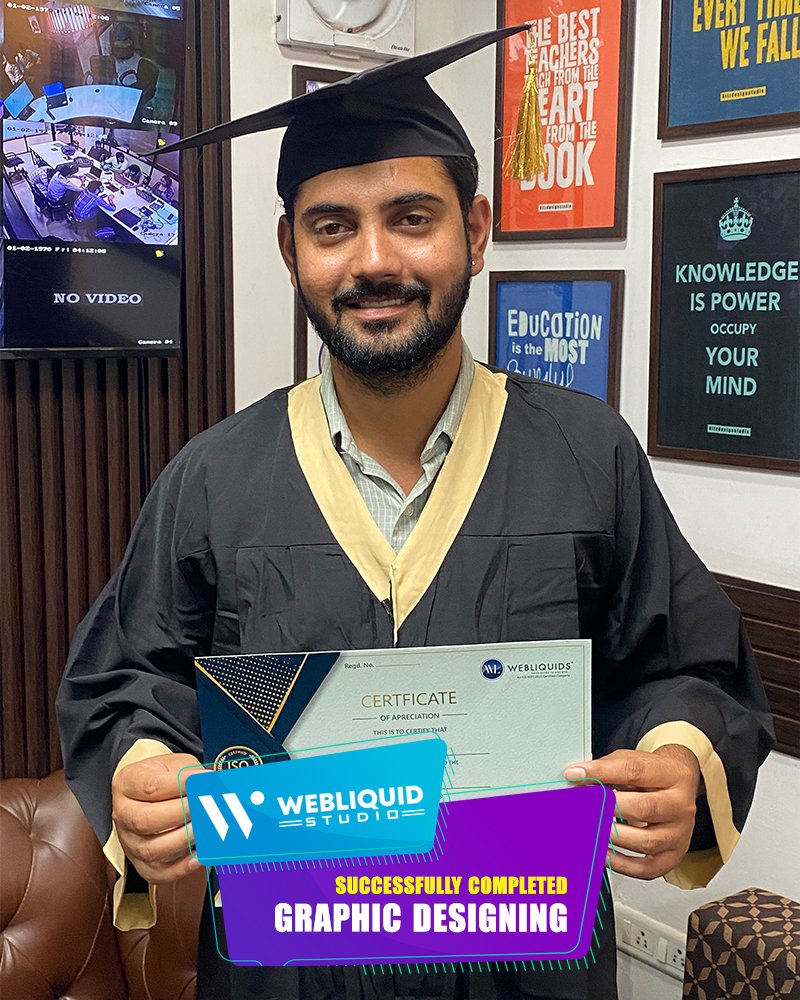
Shaping Students to Lead Industry


What Our Students Have To Say

Frequently Asked Questions (FAQs) -
1. Who can join this Video Editing Course?
This course is suitable for beginners, students, working professionals, and anyone interested in video editing, motion graphics, or digital content creation. No prior experience is required.
2. Which software will I learn during the course?
You will gain hands-on training in industry-standard tools including Adobe Illustrator, Adobe Photoshop, Adobe Premiere Pro, Adobe After Effects, and DaVinci Resolve.
3. Is this course practical or theory-based?
The course is 100% practical, focusing on real projects, assignments, and portfolio-building exercises to prepare you for industry work and freelancing.
4. What career opportunities are available after completing the course?
After completion, you can work as a Video Editor, Assistant Video Editor, Social Media Content Editor, Motion Graphics Artist, Post-Production Associate, or start working as a freelance content creator.
5. Will I get placement assistance after the course?
Yes, the course offers job placement assistance, career guidance, and support to help students find opportunities in digital media, production houses, and creative agencies.
6. Will I receive a certificate after completion?
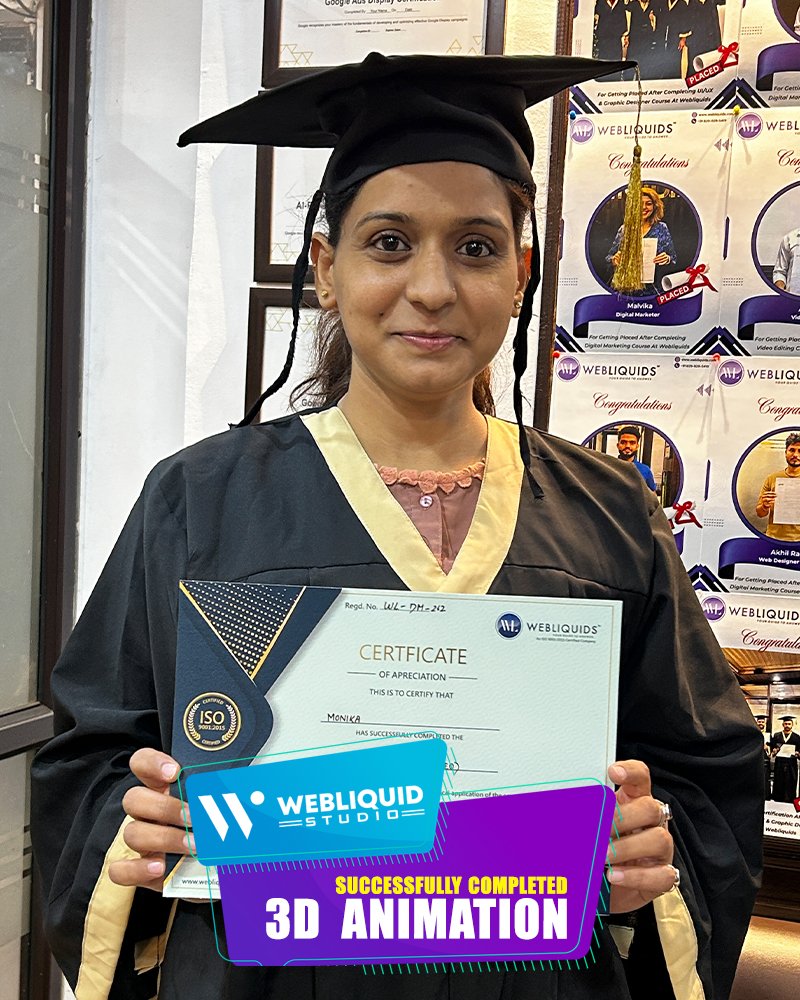
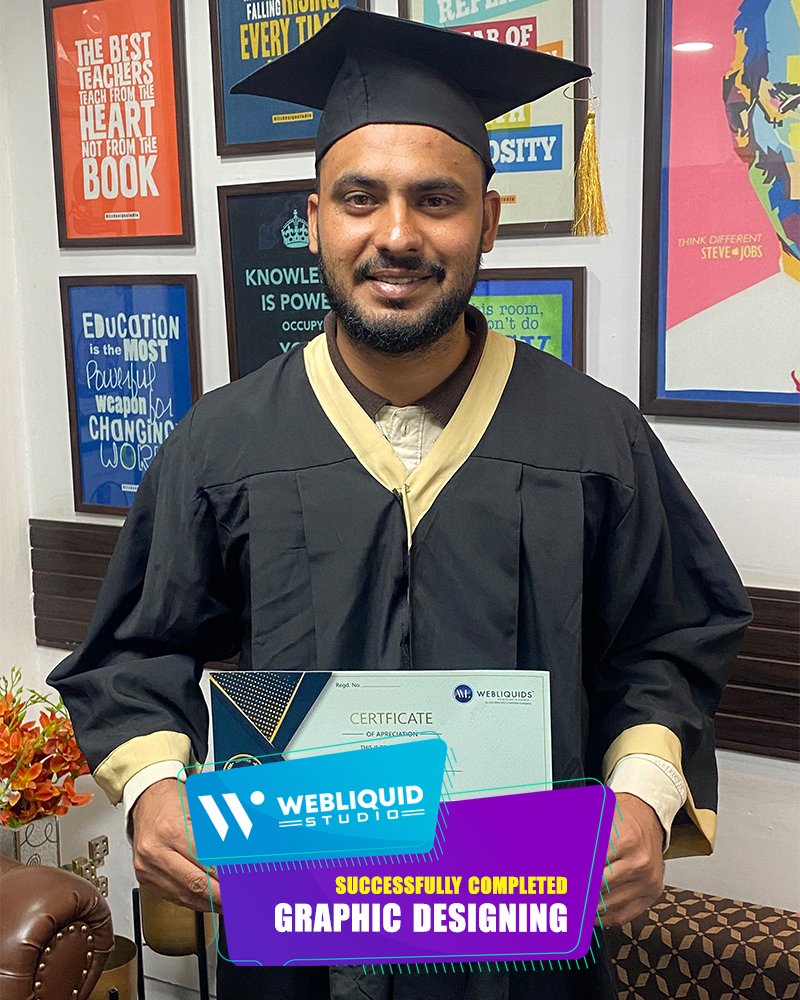
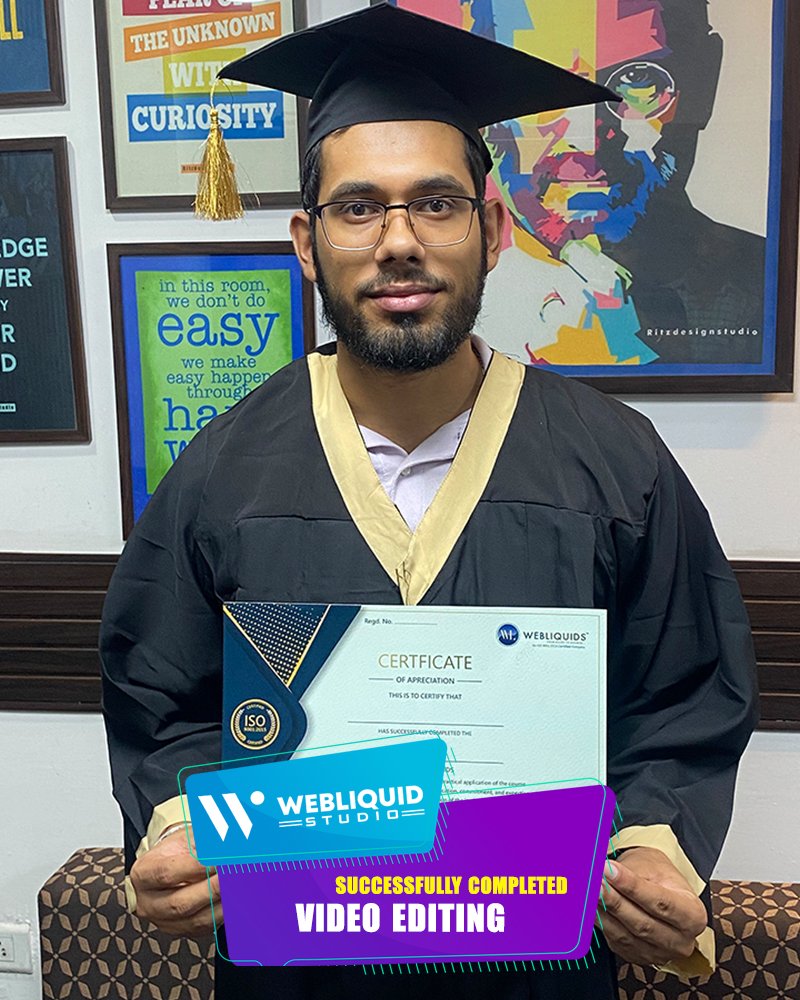
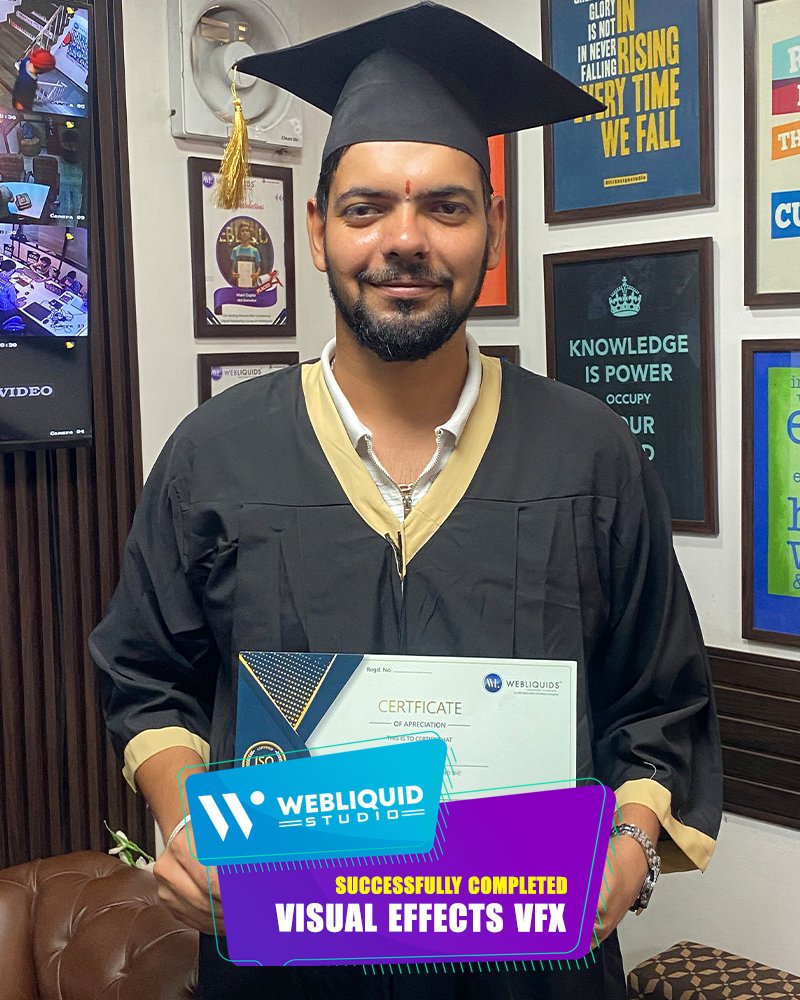
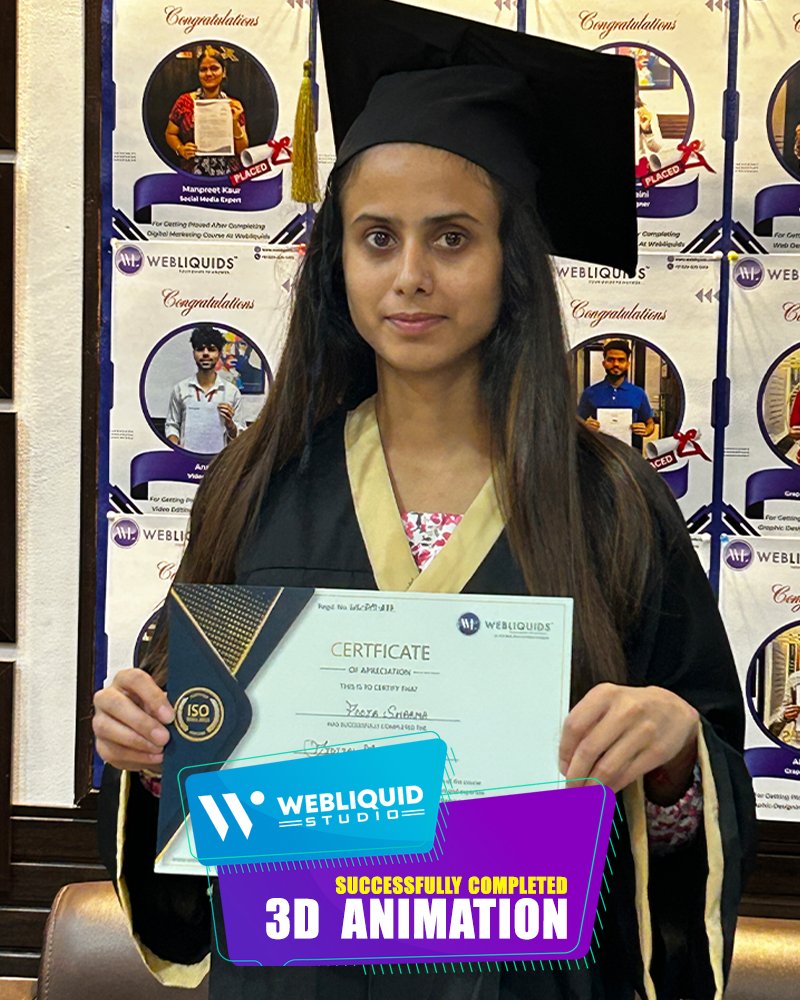
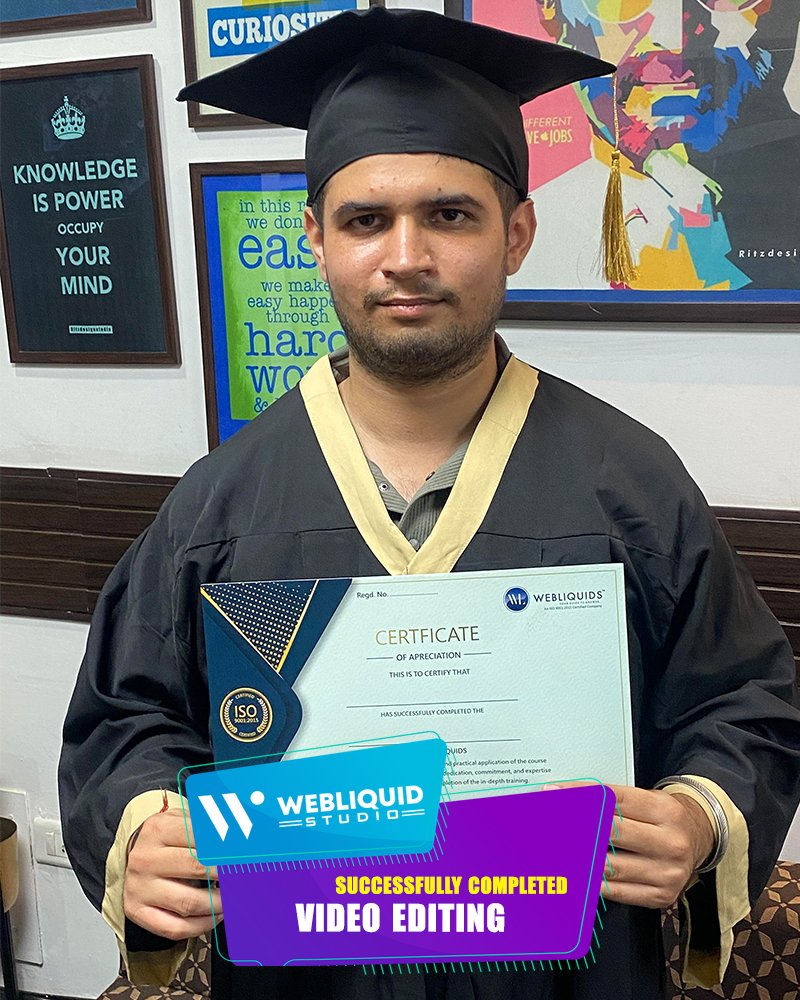
Yes, you will receive an institute-verified certificate after successfully completing the course and project submission.
7. Are backup classes available if I miss a lecture?
Yes, backup classes and recorded sessions are provided so you never miss important topics.
8. Can I take a demo class before enrolling?
Yes, Webliquid studio offers demo classes so you can experience our teaching style and course content before making a decision.
9. What is the duration of the course?
The course duration ranges from 2 to 4 months.
10. Am I supposed to carry my own laptop for this course?
Yes, students are required to bring their laptops for practical sessions to enhance hands-on learning.