
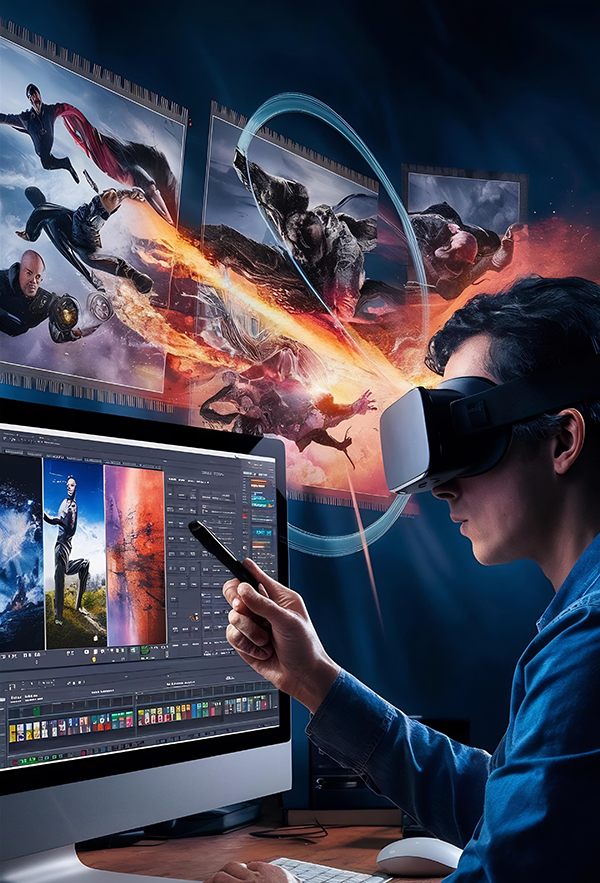
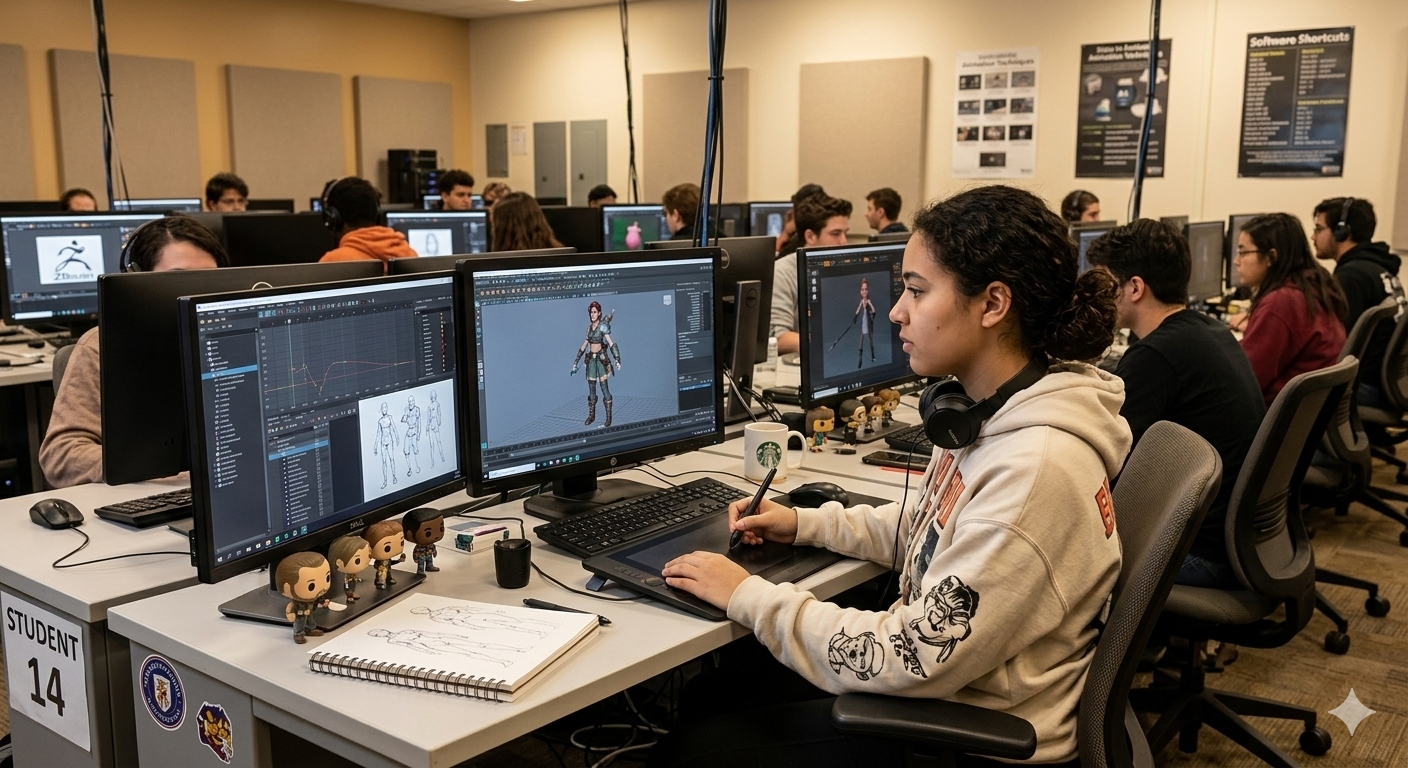
Animation is no longer limited to cartoons. Today, animation powers movies, web series, games, advertisements, YouTube content, virtual reality, and even medical simulations. If you are planning to join an animation program, one of the biggest questions is: what tools will you learn in an animation course?
Understanding the Tools You Will Learn in the animation course is important before enrolling. Animation courses are designed to train students on industry-standard software used by professional studios worldwide. These tools help students create 2D animation, 3D animation, visual effects (VFX), motion graphics, and editing projects.
In this detailed guide, we will explore all the major tools covered in animation courses, how they are used, and why learning them is essential for your career.
Why Learning Animation Tools Is Important
Animation is a skill-based industry. Companies do not hire based only on degrees — they hire based on portfolios and practical knowledge.
Learning professional tools helps you:
- Create industry-level projects
- Build a strong portfolio
- Improve job opportunities
- Work faster and more efficiently
- Adapt to modern workflows
A good animation course ensures that students are trained using the same tools that studios use.
2D Animation Tools You Will Learn
Even in 2026, 2D animation remains highly relevant for advertisements, explainer videos, mobile apps, and educational content.
1. Adobe Animate
Adobe Animate is widely used for creating 2D animations, cartoons, and web animations. Students learn:
- Frame-by-frame animation
- Character rigging in 2D
- Timeline management
- Exporting animations for web and video
It is beginner-friendly and perfect for understanding animation fundamentals.
2. Toon Boom Harmony
Many professional studios use Toon Boom Harmony for high-quality 2D animated shows and films.
In animation courses, students learn:
- Advanced character rigging
- Lip-sync animation
- Special effects in 2D
- Cut-out animation techniques
This tool is ideal for students who want to work in television animation production.
3. Adobe After Effects
Although mainly used for motion graphics and compositing, After Effects plays an important role in animation courses.
Students learn:
- Motion graphics
- Logo animation
- Visual effects
- Text animation
- Scene compositing
After Effects is essential for freelance and advertising careers.
3D Animation Tools You Will Learn
3D animation is the backbone of modern movies, games, and OTT content. Most animation courses focus heavily on 3D tools.
4. Autodesk Maya
Autodesk Maya is considered an industry-standard software for 3D animation and modeling.
In animation courses, students learn:
- 3D modeling
- Character rigging
- Lighting and rendering
- Keyframe animation
- Dynamics and simulations
Maya is widely used in Hollywood films and gaming studios.
5. Blender
Blender is a powerful open-source 3D software that has gained massive popularity.
Students learn:
- 3D modeling
- Sculpting
- Rigging
- Rendering
- Compositing
Blender is beginner-friendly and widely used by freelancers and independent creators.
6. 3ds Max
3ds Max is commonly used for architectural visualization and game design.
Students learn:
- Hard-surface modeling
- Environment design
- Game asset creation
- Rendering techniques
This tool is valuable for students interested in gaming and interior visualization.
Sculpting and Texturing Tools
To create realistic characters and environments, animation students must learn sculpting and texturing software.
7. ZBrush
ZBrush is used for digital sculpting.
Students learn:
- Character detailing
- Creature design
- High-resolution sculpting
- Texture painting
ZBrush is widely used in film and gaming industries.
8. Substance Painter
Substance Painter helps artists create realistic textures.
Students learn:
- Texture mapping
- Material creation
- Surface detailing
- PBR workflows
Texturing is essential for realism in 3D projects.
VFX Tools You Will Learn
Visual effects are a major part of animation courses.
9. Nuke
Nuke is used for compositing in high-end film production.
Students learn:
- Green screen compositing
- Color correction
- Scene integration
- Multi-layer editing
10. Houdini
Houdini is known for advanced simulations.
Students learn:
- Fire and smoke simulations
- Water effects
- Particle systems
- Procedural animation
Houdini skills are highly valued in VFX studios.
Video Editing Tools
Animation projects require editing and final output processing.
11. Adobe Premiere Pro
Students learn:
- Video editing basics
- Audio syncing
- Scene transitions
- Exporting projects
Editing skills help present animation work professionally.
Game Engine Tools
Game engines are increasingly part of animation courses.
12. Unreal Engine
Unreal Engine is used for:
- Real-time rendering
- Virtual production
- Cinematic sequences
- Game animation
Learning Unreal Engine increases job opportunities in gaming and virtual production.
13. Unity
Unity is another popular game engine.
Students learn:
- Interactive animation
- AR/VR projects
- Game character integration
AI Tools in Modern Animation Courses
Modern animation courses now introduce AI-assisted tools.
Students learn:
- AI-based motion capture
- Auto-rigging tools
- AI-assisted rendering
- Lip-sync automation
AI tools improve speed and efficiency.
Supporting Tools You Will Learn
Besides core animation software, courses may include:
- Photoshop (for digital painting)
- Illustrator (for vector art)
- Audacity (for sound editing)
- Storyboarding tools
These tools support the animation pipeline.
How These Tools Work Together
Animation production follows a pipeline:
- Concept and storyboard
- Modeling and sculpting
- Rigging
- Animation
- Texturing
- Lighting and rendering
- Compositing
- Editing
Each tool plays a specific role in this process.
What Makes an Animation Course Good?
A good animation course:
- Teaches industry-standard tools
- Provides practical training
- Offers portfolio projects
- Includes internship opportunities
- Covers AI and real-time workflows
Choosing a course with updated tools ensures better career prospects.
Career Opportunities After Learning Animation Tools
After mastering the tools you will learn in an animation course, you can become:
- 2D Animator
- 3D Animator
- VFX Artist
- Motion Graphics Designer
- Game Designer
- Character Modeler
- Lighting Artist
- Compositor
The demand for skilled animators continues to grow globally.
Conclusion
Understanding the Tools You Will Learn in the animation course helps you prepare for a successful career in the creative industry. From 2D software like Adobe Animate to 3D tools like Maya and Blender, and advanced VFX software like Houdini, each tool plays a vital role in the animation pipeline.
Modern animation courses now integrate AI tools, real-time rendering engines, and cross-platform workflows to prepare students for the future.
If you are serious about animation, focus not only on learning tools but also on mastering creativity, storytelling, and fundamentals.
FAQs
1. What are the main tools taught in an animation course?
Most animation courses teach Maya, Blender, 3ds Max, After Effects, Premiere Pro, ZBrush, and Unreal Engine.
2. Is Blender enough to start animation?
Yes, Blender is powerful and beginner-friendly, but learning multiple tools increases job opportunities.
3. Do animation courses teach AI tools?
Many modern courses now introduce AI-assisted animation and rendering tools.
4. Which tool is best for 3D animation?
Maya is industry-standard, but Blender is also widely used.
5. How long does it take to learn animation tools?
Basic understanding takes 6–12 months, but mastery requires continuous practice.