

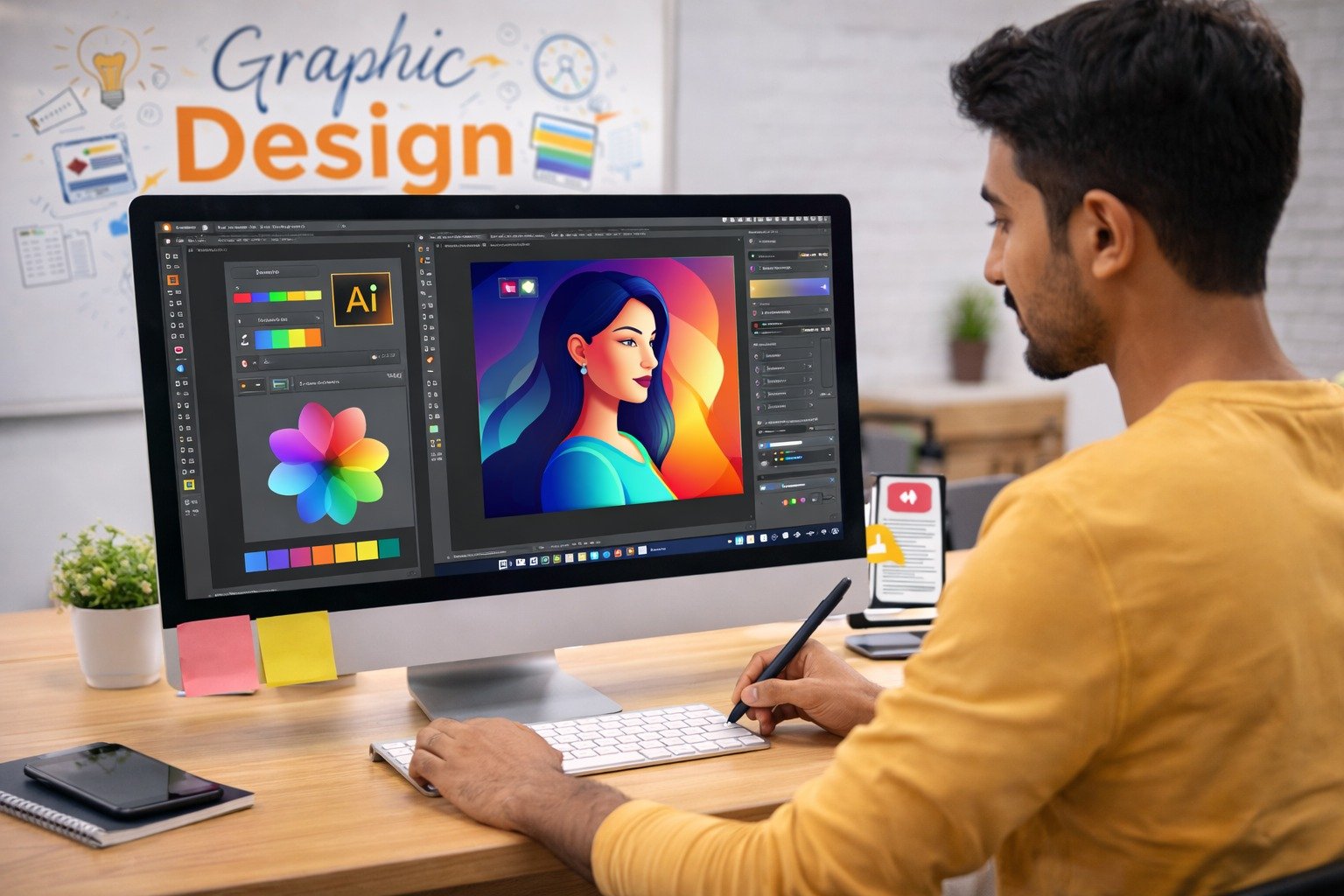
Graphic design has become one of the most exciting and rewarding career options in the modern digital world. Businesses rely heavily on visual communication to promote their products, build brand identity, and attract customers. From social media graphics to website layouts and marketing advertisements, graphic designers play an essential role in shaping how brands communicate with their audiences.
However, when individuals begin learning graphic design, they often face several challenges. Many beginners make mistakes that slow down their learning process or affect the quality of their designs. Understanding these mistakes early can help aspiring designers improve faster and build stronger creative skills.
This is why it is important to understand the common mistakes beginner graphic designers make and learn how to avoid them.
Professional training institutes like Webliquidstudio Institute help students develop a strong foundation in design principles, creative thinking, and professional tools. Through structured learning and practical projects, beginners can avoid common errors and develop the confidence needed to work in the design industry.
In this guide, we will explore the common mistakes beginner graphic designers make, why these mistakes occur, and how proper training and practice can help designers build successful careers in the creative industry.
What Are the Common Mistakes Beginner Graphic Designers Make?
The common mistakes beginner graphic designers make usually occur because of limited experience, lack of design fundamentals, or insufficient practice with professional tools.
Graphic design is not only about creativity. It also involves understanding design principles, visual communication, typography, and user experience. Beginners who focus only on software tools without learning design concepts often struggle to create professional designs.
Some of the most common beginner mistakes include:
- Ignoring design fundamentals
- Using too many fonts
- Poor color combinations
- Overcomplicated layouts
- Copying designs instead of creating original work
- Ignoring client requirements
These mistakes are part of the learning process, but identifying them early helps designers improve their work and develop stronger skills.
In the professional design industry, attention to detail and understanding visual communication are essential. This is why structured training programs and mentorship are valuable for beginners.
Most Common Graphic Design Mistakes Beginners Should Avoid
Understanding mistakes helps designers improve their creative work. Below are some of the most common beginner errors and ways to avoid them.
1. Ignoring Design Principles
Many beginners jump directly into design software without learning the basic principles of design.
Important principles include:
- Balance
- Alignment
- Contrast
- Hierarchy
- Consistency
Without these principles, designs may look unorganized or visually confusing.
Learning design fundamentals helps designers create structured and visually appealing compositions.
2. Using Too Many Fonts
Typography plays an important role in graphic design. Beginners often make the mistake of using multiple fonts in one design.
Too many fonts can make designs look messy and unprofessional.
Professional designers usually follow simple typography rules such as:
- Using two or three fonts maximum
- Maintaining readability
- Choosing fonts that match the brand identity
3. Poor Color Selection
Color plays a powerful role in design communication. Beginners sometimes use random colors without understanding color theory.
Poor color choices can affect the visual appeal and readability of a design.
Learning color harmony, contrast, and brand color psychology helps designers create more effective visuals.
4. Overcomplicated Designs
Another mistake beginners make is trying to include too many elements in a single design.
Too much text, graphics, and decorative elements can make designs look cluttered.
Professional designers focus on simplicity and clarity, ensuring the message is communicated effectively.
5. Copying Instead of Creating
Beginners often copy designs they see online instead of developing their own creative ideas.
While inspiration is important, designers must learn to create original concepts.
Original designs help build a unique style and strong portfolio.
6. Ignoring Client Requirements
Designers often focus only on visual creativity without considering the client’s needs.
Professional design must always align with the client’s brand, message, and target audience.
Understanding the project brief is essential for successful design work.
Recognizing these common mistakes beginner graphic designers make helps aspiring designers improve their skills and produce professional-quality designs.
Why Understanding These Mistakes Is Important
Learning from mistakes is an essential part of becoming a successful designer.
1. Improves Design Skills
When designers understand their mistakes, they can focus on improving the areas where they struggle.
This leads to stronger creative skills and better design outcomes.
2. Prepares Designers for Real Projects
Professional design work involves meeting client expectations and delivering high-quality visuals.
Avoiding beginner mistakes helps designers become more reliable and professional.
3. Builds Confidence
As designers gain experience and improve their work, their confidence also increases.
Confidence plays an important role in presenting ideas and working with clients.
4. Enhances Career Opportunities
Employers and clients look for designers who understand design principles and can create effective visual communication.
Avoiding beginner mistakes helps designers build stronger portfolios and career opportunities.
Industry Demand and Future Scope
Graphic design continues to grow as an essential part of modern business and marketing.
Many industries require professional designers to create visual content.
These industries include:
- Digital marketing agencies
- Advertising companies
- Media organizations
- IT and web development firms
- E-commerce businesses
With businesses focusing more on online branding and marketing, the demand for skilled designers is expected to increase significantly.
Designers who understand professional design practices and avoid beginner mistakes are more likely to succeed in this competitive field.
How Webliquidstudio Institute Helps
Professional training plays a major role in helping beginners develop strong design skills.
Webliquidstudio Institute focuses on providing practical and industry-oriented graphic design training.
Teaching Approach
The institute follows a step-by-step teaching method that helps students understand both creative and technical aspects of design.
Students learn the fundamentals of:
- Typography
- Color theory
- Layout design
- Visual storytelling
Industry-Oriented Curriculum
The course curriculum is designed to match modern industry requirements.
Students learn widely used design software including:
- Adobe Photoshop
- Adobe Illustrator
- Adobe InDesign
These tools are essential for creating professional design projects.
Practical Training and Real-World Exposure
Students work on real design projects such as:
- Logo design
- Social media graphics
- Branding materials
- Advertising creatives
Hands-on practice helps students understand professional design workflows.
Who Should Enroll in a Graphic Designing Course?
Graphic design is a flexible career path suitable for individuals from various backgrounds.
Students
Students interested in creative careers can start learning graphic design early and build valuable skills for the digital industry.
Working Professionals
Professionals from marketing, media, or technology backgrounds can upgrade their skills by learning graphic design.
Creators and Freelancers
Content creators, YouTubers, and freelancers can benefit from graphic design skills to create professional visuals for their projects.
Entrepreneurs
Business owners can use graphic design knowledge to create branding and marketing materials for their businesses.
Benefits of Learning at Webliquidstudio Institute
Joining a professional institute provides several advantages for beginners.
Skill Development
Students develop creative thinking, design knowledge, and technical skills required in the industry.
Career Growth
Graphic design skills open doors to multiple career opportunities across industries.
Job Readiness
Students build professional portfolios and gain practical experience through real projects.
Creative and Technical Advantages
Design training helps individuals combine artistic creativity with digital technology to produce professional visuals.
Career Opportunities After Completing the Course
Graphic design offers diverse career paths for creative individuals.
Job Roles
After completing training, students can work as:
- Graphic Designer
- Visual Designer
- Branding Designer
- Social Media Designer
- Advertising Designer
- UI Designer
Freelancing Opportunities
Freelancing is a popular career option for designers. Freelancers can offer services such as:
- Logo design
- Brand identity design
- Social media graphics
- Marketing creatives
Freelancers can work with clients from around the world.
Industry Sectors
Graphic designers are required in industries such as:
- Digital marketing agencies
- Advertising companies
- Media houses
- IT companies
- E-commerce businesses
Institute Details
If you want to learn graphic design professionally and avoid common beginner mistakes, you can enroll in Webliquidstudio Institute.
Address:
SCO 114-115, 2nd Floor, Sector 34-A, Chandigarh, 160022
Phone Number:
8968967955
Website:
https://www.webliquidstudio.com
FAQs
1. What are the common mistakes beginner graphic designers make?
Common mistakes include ignoring design principles, using too many fonts, poor color combinations, and creating overly complicated designs.
2. How can beginners improve their graphic design skills?
Beginners can improve by learning design fundamentals, practicing regularly, studying professional work, and taking structured training courses.
3. Is graphic design a good career option?
Yes, graphic design offers strong career opportunities in digital marketing, advertising, media, and freelancing.
4. How long does it take to learn graphic design?
Most professional graphic design courses take around 3 to 6 months, depending on the depth of training.
5. Do I need a degree to become a graphic designer?
No. Many successful designers learn through professional courses and practical experience rather than traditional degrees.
6. Can beginners start freelancing after learning graphic design?
Yes. Many designers start freelancing by offering services such as logo design, social media graphics, and branding packages.