
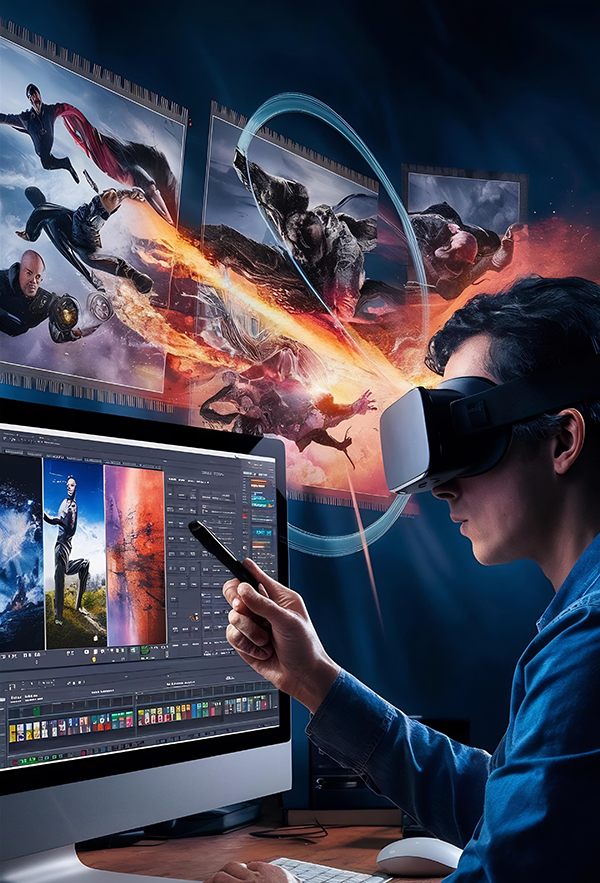
Video content has become the backbone of digital communication. From social media reels and YouTube videos to films, advertisements, and OTT platforms, video is everywhere. Behind every impactful video is a skilled editor who knows how to transform raw footage into a compelling visual story. This growing demand has made professional video editing one of the most sought-after creative skills today.
If you are planning to enter this exciting field, understanding the tools you will learn in a video editing course is crucial. These tools are not just software applications; they are the backbone of professional workflows used by editors across industries. Learning the right tools can significantly impact your efficiency, creativity, and career growth.
At Webliquidstudio Institute, students are trained using industry-relevant tools that help them build real-world skills. Whether you are a beginner, a student, or a working professional looking to upskill, this blog will give you a complete overview of what tools are taught, why they matter, and how they shape your future in video editing.
What Are Video Editing Tools?
Video editing tools are specialized software and applications used to cut, arrange, enhance, and finalize video content. These tools allow editors to manage video clips, audio, graphics, effects, transitions, and color correction to produce professional-quality videos.
In a structured learning environment, students are introduced to tools that are widely accepted in the media, entertainment, and digital marketing industries. The tools taught inprofessional courses focus on:
- Editing raw footage into meaningful sequences
- Enhancing visuals with effects and transitions
- Improving audio quality
- Applying color correction and grading
- Exporting videos for different platforms
Learning these tools gives students both technical knowledge and creative confidence. At Webliquidstudio Institute, tool-based learning is combined with practical assignments to ensure students can apply what they learn.
Why Learning Video Editing Tools Is Important Today
Growing Demand Across Industries
Video content is no longer limited to films and television. Businesses, brands, educators, influencers, and startups all rely on video to communicate their message. As a result, skilled video editors are in demand across multiple sectors.
Career Relevance
Employers and clients look for professionals who can work efficiently with modern editing tools. Knowing industry-standard software increases employability and freelancing opportunities.
Future Scope
With the rise of short-form video content, online streaming platforms, and digital advertising, video editing is expected to grow even further. Learning professional tools today prepares you for long-term career stability.
Creative Independence
Once you master editing tools, you gain the freedom to create your own content, monetize your skills, and work independently as a freelancer or content creator.
Core Video Editing Tools Covered in a Professional Course
A professional video editing course focuses on tools that are currently used in real production environments. Below is an overview of the key categories of tools students are trained on.
Motion Graphics and Visual Effects Tools
Motion graphics and visual effects add life and creativity to videos. These tools are used to create animated titles, lower-thirds, visual transitions, and special effects.
What You Learn
- Creating animated text and titles
- Designing motion graphics elements
- Adding visual effects to enhance storytelling
- Working with layers and keyframes
Industry Relevance
Motion graphics are widely used in advertisements, explainer videos, social media content, and films. These skills make your work stand out and increase your value as an editor.
Color Correction and Color Grading Tools
Color plays a major role in how a video feels. Color correction ensures visual consistency, while color grading gives a video its cinematic look.
What You Learn
- Balancing exposure and white balance
- Matching colors across different shots
- Creating mood-based color styles
- Enhancing cinematic appeal
Why It’s Important
Professional editors are expected to deliver visually polished content. Knowledge of color tools helps you achieve high-quality output that meets industry standards.
Audio Editing and Sound Design Tools
Audio quality is as important as visuals. Poor sound can ruin even the best video. That’s why audio editing tools are an essential part of video editing courses.
What You Learn
- Cleaning background noise
- Adjusting audio levels
- Syncing audio with video
- Adding sound effects and background music
Career Impact
Editors who understand sound design are preferred for professional projects, as they can deliver complete, ready-to-publish videos.
Asset Management and Workflow Tools
Professional editors work with large amounts of data. Asset management tools help keep projects organized and efficient.
What You Learn
- File organization techniques
- Proxy workflows for smooth editing
- Project backups and version control
- Collaboration-ready workflows
Real-World Application
These tools and practices are critical when working in studios, agencies, or with remote teams.
Exporting and Platform Optimization Tools
Different platforms require different video formats and settings. Editors must know how to optimize videos for various outputs.
What You Learn
- Exporting for social media platforms
- Optimizing videos for YouTube and OTT platforms
- Understanding codecs and resolutions
- Maintaining quality while reducing file size
Tools You Will Learn in Video Editing Course at Webliquidstudio Institute
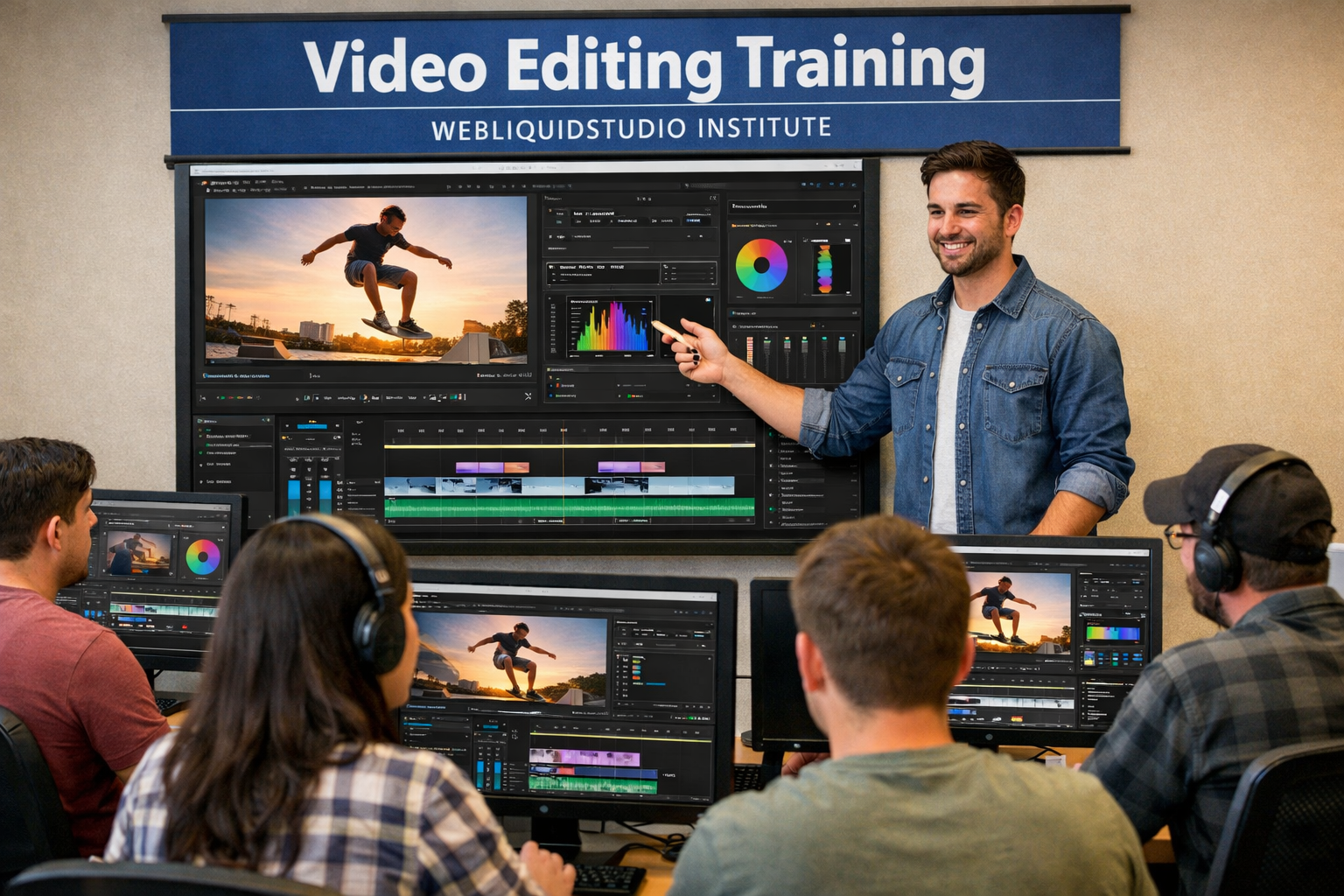
At Webliquidstudio Institute, students are trained using tools that match current industry requirements. The focus is not just on teaching software, but on helping students understand how and when to use each tool effectively. The tools you will learn in video editing course here are integrated into a structured curriculum that balances theory with hands-on practice.
How Webliquidstudio Institute Helps You Master These Tools
Industry-Oriented Teaching Approach
The training methodology focuses on practical learning. Students work on real projects, case studies, and assignments that reflect real-world scenarios.
Experienced Trainers
Courses are guided by professionals who have hands-on experience in media, marketing, and creative industries.
Practical Labs and Assignments
Each tool is taught through live demonstrations and practice sessions. Students are encouraged to experiment and build their own projects.
Real-World Exposure
Students gain exposure to industry workflows, deadlines, and creative challenges, preparing them for professional environments.
Who Should Enroll in a Video Editing Course?
Students
Ideal for students interested in media, filmmaking, digital marketing, or creative careers.
Working Professionals
Perfect for professionals who want to switch careers or add video editing skills to their existing profile.
Content Creators
YouTubers, influencers, and social media creators can enhance their content quality by learning professional tools.
Freelancers
Those looking to build independent careers can benefit from tool-based expertise and project experience.
Benefits of Learning Video Editing at Webliquidstudio Institute
Strong Skill Development
Students gain both technical and creative skills that are applicable across industries.
Career Growth Opportunities
Learning professional tools increases job opportunities and salary potential.
Job-Ready Training
The curriculum focuses on making students industry-ready from day one.
Creative and Technical Balance
Students learn how to combine storytelling with technical execution.
Portfolio Building
By the end of the course, students have a strong portfolio showcasing their skills.
Career Opportunities After Completing the Course
Learning professional video editing tools opens doors to multiple career paths.
Job Roles
- Video Editor
- Motion Graphics Designer
- Post-Production Executive
- Media Content Editor
- Social Media Video Editor
Freelancing Opportunities
- YouTube video editing
- Instagram reel editing
- Corporate video projects
- Wedding and event videos
Industry Sectors
- Film and television
- Digital marketing agencies
- Advertising and branding firms
- Media houses
- E-learning platforms
With the right tools and guidance, students can build rewarding careers in both job and freelance markets. This is why understanding the tools you will learn in video editing course is so important before choosing an institute.
Why Choose Webliquidstudio Institute?
Webliquidstudio Institute stands out because of its focus on practical, industry-aligned training. Students are not just taught software but are guided on how to think like professional editors.
Institute Details
- Address: SCO 114-115, 2nd Floor, Sector 34-A, Chandigarh, 160022
- Phone Number: 8968967955
- Website: https://www.webliquidstudio.com
The institute provides a supportive learning environment where creativity and technical skills grow together.
Conclusion
Video editing is no longer just a technical skill; it is a powerful creative profession. Learning the right tools can set the foundation for a successful career in media, marketing, and content creation. By enrolling at Webliquidstudio Institute, students gain access to industry-relevant training, practical exposure, and expert guidance.
If you are serious about building a future in video editing, understanding the tools you will learn in video editing course and choosing the right institute can make all the difference.
FAQs
1. What tools are covered in a professional video editing course?
A professional course covers video editing software, motion graphics tools, color grading tools, audio editing tools, and export optimization tools.
2. Do I need prior experience to learn video editing tools?
No, beginners can start from scratch. Courses are designed to gradually build skills.
3. How long does it take to learn video editing tools?
The duration depends on the course structure, but most students gain strong working knowledge within a few months of consistent practice.
4. Are these tools used in real industries?
Yes, the tools taught are widely used in films, digital marketing, social media, and media production.
5. Can I work as a freelancer after completing the course?
Yes, with proper tool knowledge and a strong portfolio, freelancing opportunities are widely available.
6. Is video editing a good career option in the future?
Yes, with increasing video consumption across platforms, video editing has strong future demand.